Overview
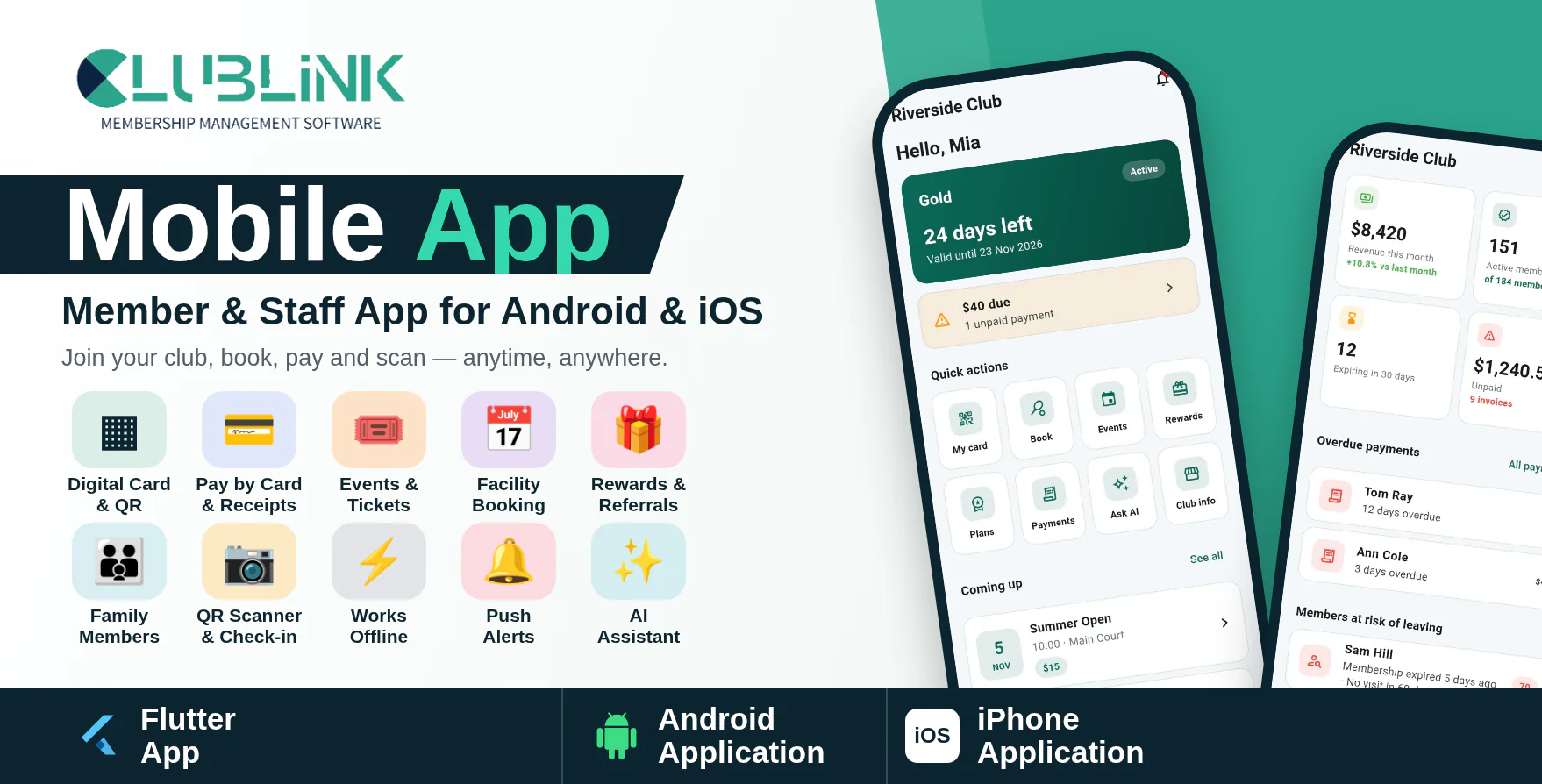
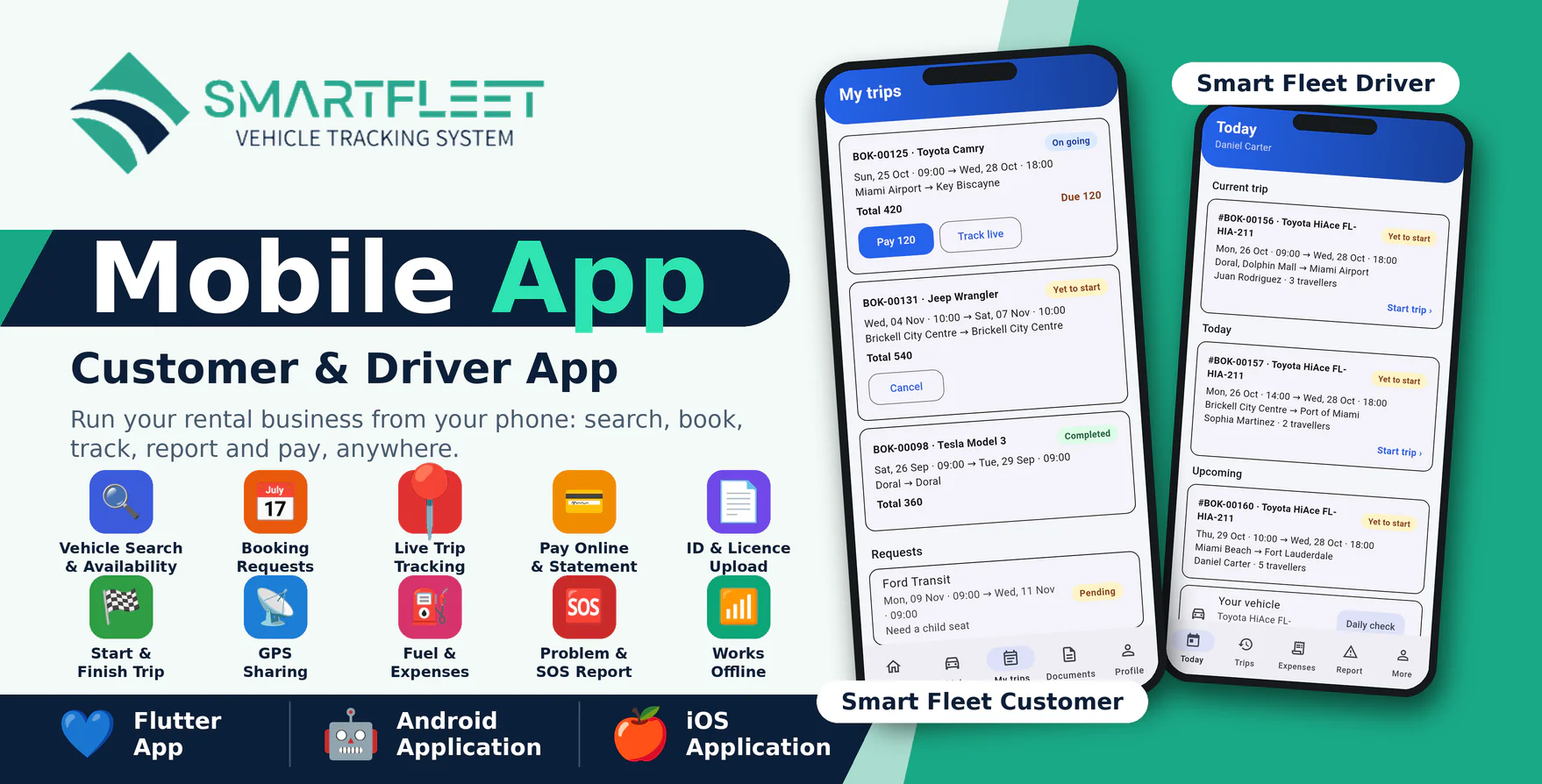
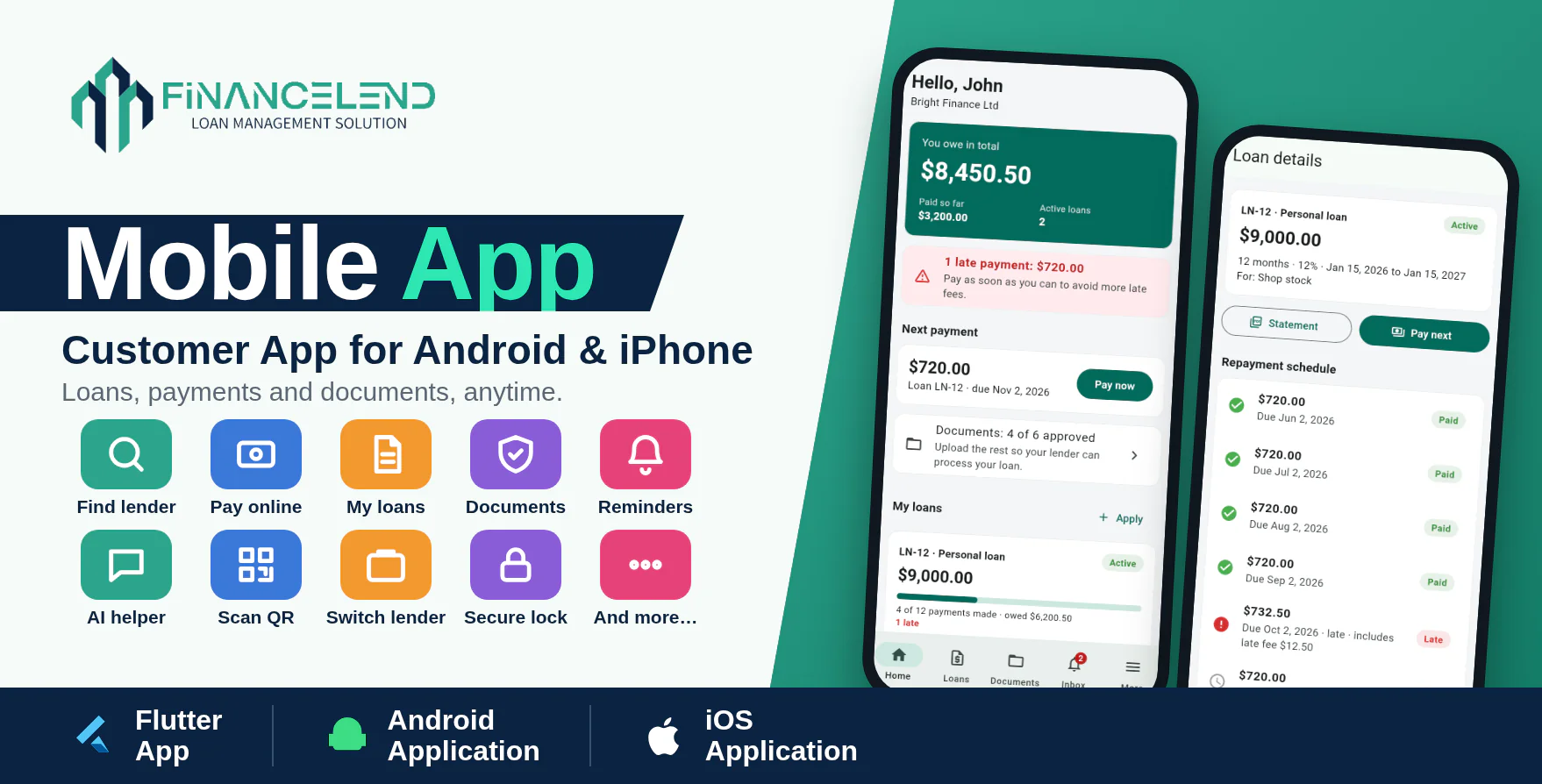
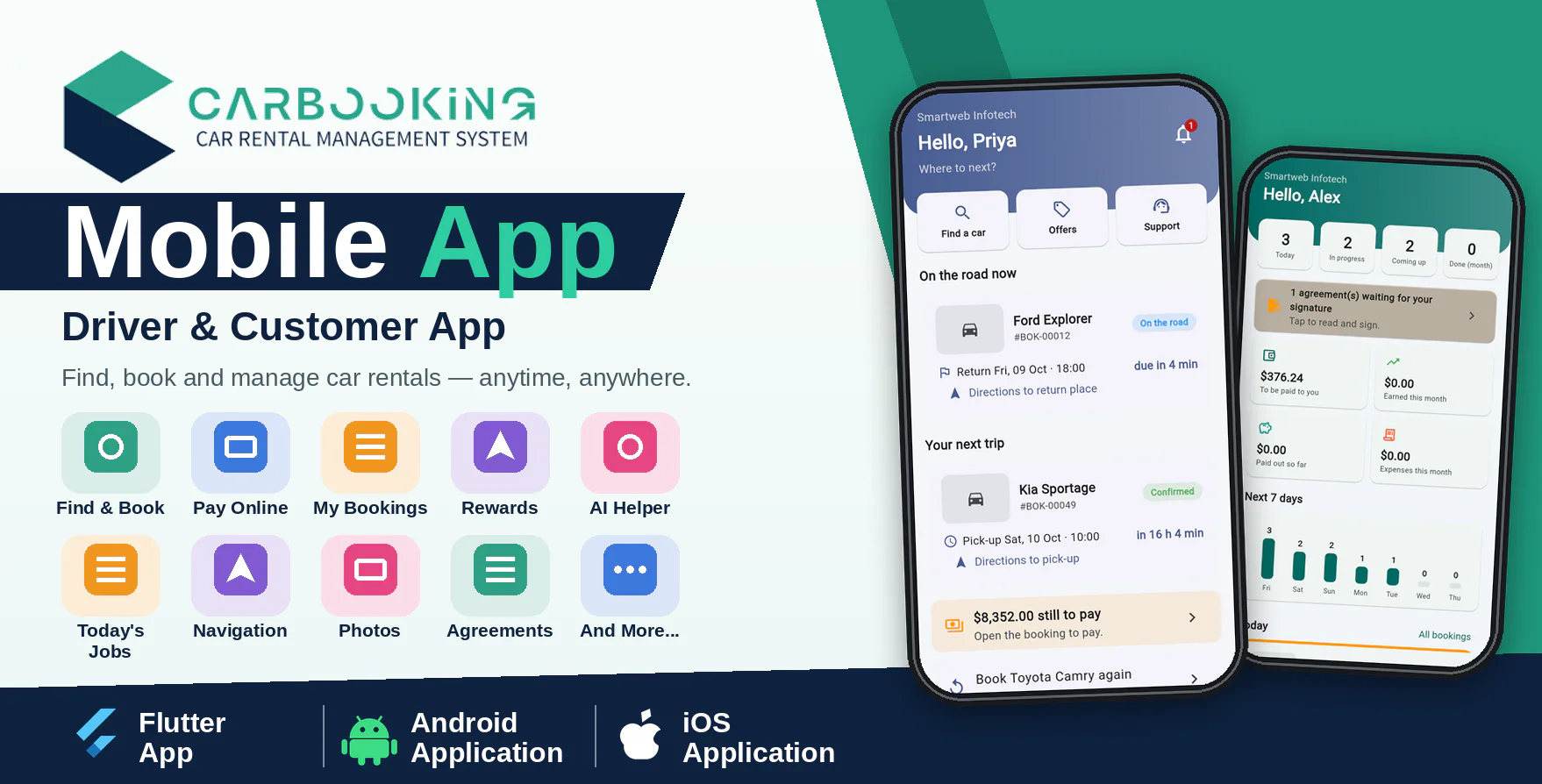
Clublink Mobile App is a modern Android and iOS application designed as the companion app for the Clublink SaaS - Membership Management System. One app serves everyone: members use it for their digital membership card, payments, events and bookings, while club owners and staff use it for the dashboard, members, a QR scanner and enquiries.
With the member screens, people show their QR card at the door (it works offline), pay invoices by card and download receipts, sign up for events with guests, book courts and rooms, collect reward points, manage their family and ask the AI assistant. With the staff screens, your team sees the numbers, checks cards and tickets at the gate (even without internet), records payments received at the desk, answers enquiries and messages members.
The application is developed using Flutter and Dart and communicates securely with the Clublink SaaS website through API integration. The app shows your club's name and colour.
Important Requirement
This mobile application requires Clublink SaaS v2.0 or newer installed on an HTTPS-enabled domain. The Clublink SaaS web application is required and is sold separately.
Demo Details
Admin Demo URL : Clublink SaaS Web/Admin URL
Android Documentation: Open Documentation
IOS Documentation: Open Documentation
Demo Application: Download Demo Application
Member
Email : member@gmail.com
Password : 123456
Owner (staff screens)
Email : owner@gmail.com
Password : 123456
Why Choose Clublink Mobile App?
- One app for everyone: members and staff, with role-based screens.
- Digital membership card with QR code that works offline.
- Pay by card (Stripe) with receipt PDF, confirmed by the server.
- QR scanner for the door and event check-in that works offline.
- Company code, QR code and invite link sign-in with the club's own title, logo and colour, set by the owner.
- Real-time push notifications for reminders, tickets and enquiries.
- Fingerprint / face lock and two-factor sign-in.
- Secure API-based communication with Clublink SaaS.
- Modern and responsive Flutter-based mobile interface.
- Tested code: unit and screen tests included.
Member Features
Home & Card
- Membership status, days left and amount due.
- Quick actions, coming events and club news.
- Digital card with QR code, saved on the phone; replace the code if it is lost.
Membership & Payments
- Plans with full details, automatic renewal switch and pause requests.
- Invoices with instalments and late fees.
- Pay by card, receipt PDF and pay with reward points.
- Ask the club about a plan change.
Events, Booking & Rewards
- Sign up for events with guests, waiting list and QR tickets.
- Rate an event with an optional photo.
- Book facilities by day and time, and cancel bookings.
- Reward points, referral code sharing and history.
- Add, edit and remove family members within the plan limit.
Messages & Account
- Inbox with push notifications and club news.
- Documents upload, profile and notification choices.
- AI assistant for questions about the member's own account.
- Privacy data export and delete my account.
Staff Features (Owners and Staff)
- Dashboard: revenue, active memberships, expiring, unpaid, overdue payments and members at risk.
- Members: search, details, call / WhatsApp / email, add and edit members.
- QR scanner for member cards and event tickets, with an offline queue.
- Enquiries from the website and members: new / contacted / closed, notes, call and WhatsApp.
- Record payments received at the desk (cash, card, cheque, bank transfer).
- Create and edit events and facilities, and see event feedback.
- Message members by email, SMS and WhatsApp, and post notices.
- AI assistant for questions about the club.
- Each tab appears only when the account has the matching permission.
Company Code, QR Code & Club Branding
- One published app serves every club: members scan the club's QR code, paste its invite link or type the company code, and the app shows that club's title, logo and colour.
- The owner sets the title, logo, colour, welcome text and support contacts under Mobile App, and prints a poster with the QR code. The QR code and store buttons are also on the club's website.
- The super admin sets the Google Play and App Store links, the minimum app version and a maintenance message, and can switch the app off per club.
- Deep links such as clublink://plan/7 open the matching screen, also from a push notification.
Technical Details
- Flutter and Dart, one code base.
- Two projects: clublink_app/android_app and clublink_app/iphone_app (same code, own android/ and ios/ folders).
- Clublink SaaS REST API (Sanctum tokens), contract included as openapi.yaml.
- Push notifications through Firebase (optional).
- Secure storage for the session.
- Android 6.0 (API 23) or newer; iPhone apps need iOS 15 or newer.
- Flutter SDK required to build; iPhone builds need a Mac with Xcode.
What You Get
- Full Flutter source code of the Clublink app for Android and iPhone.
- Android and iPhone documentation with build, signing, push notification and store steps.
- API contract (openapi.yaml) and store screenshots.
- Future updates.
- Support through our ticket system.
Need Assistance?
If you have any queries, please create a support ticket here, and our support team will respond as soon as possible.