Overview
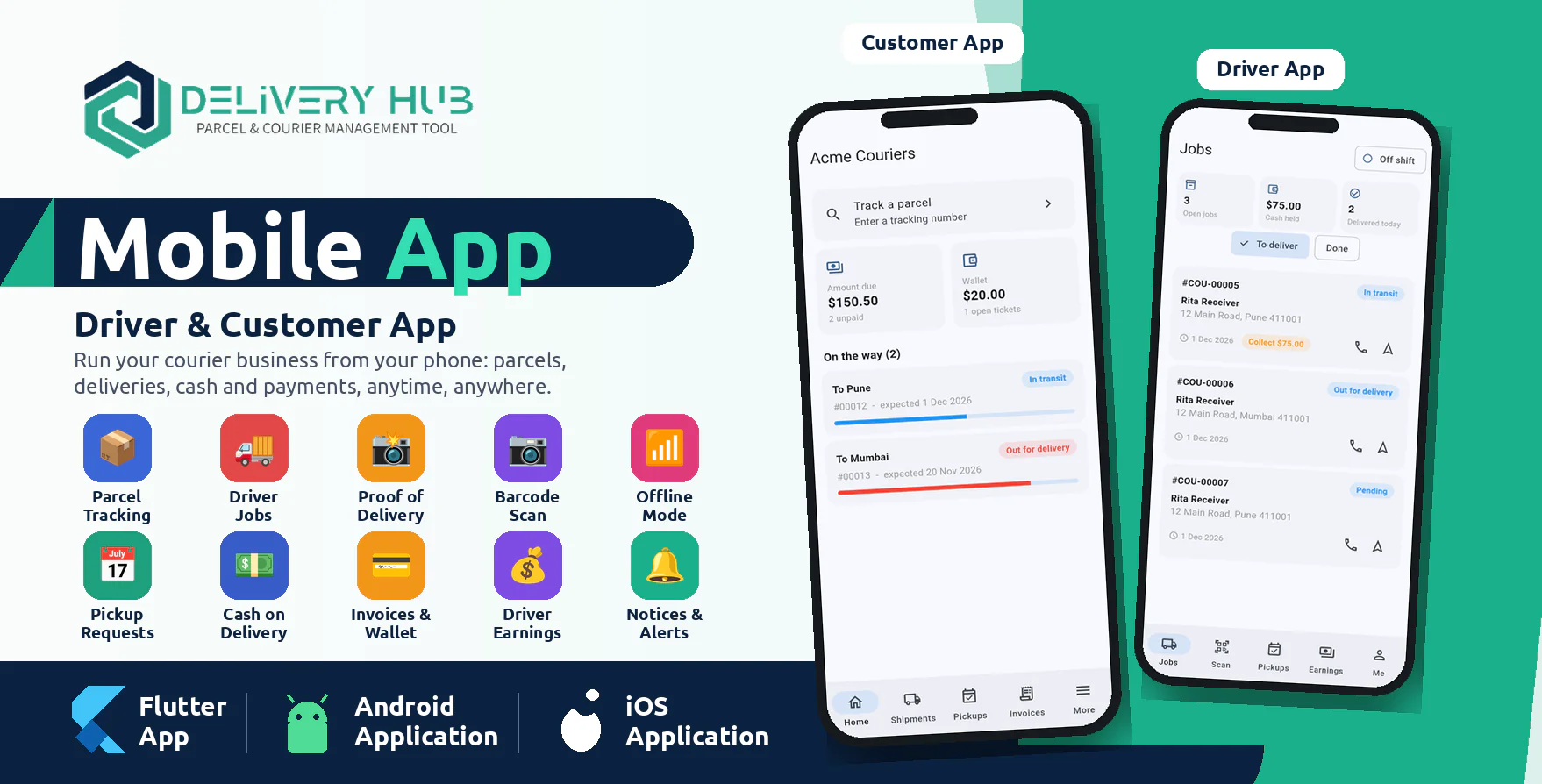
Delivery Hub Mobile Apps are two modern Android and iOS applications designed as companion apps for the Delivery Hub SaaS - Parcel & Courier Management System: Delivery Hub Driver for your delivery team and Delivery Hub (customer app) for your customers.
With Delivery Hub Driver, drivers see their jobs, call and navigate to the receiver, update the status with a proof photo and signature, collect cash on delivery, handle pickups and see their earnings from their phone, even with a weak signal. With the customer app, customers track their parcels, request pickups, pay invoices online, use their wallet, rate deliveries and contact support.
The applications are developed using Flutter and Dart and communicate securely with your Delivery Hub SaaS website through API integration. People sign in with the same email and password as on the website, and the apps show the company's name, colour and logo.
Important Requirement
These mobile applications require Delivery Hub SaaS v1.7 or newer installed on an HTTPS-enabled domain. The Delivery Hub SaaS web application is required and is sold separately.
Demo Details
Admin Demo URL : Delivery Hub SaaS Web/Admin URL
Android Documentation: Open Documentation
IOS Documentation: Open Documentation
Driver Demo Application: Download Driver Demo Application
Driver (Delivery Hub Driver)
Email : driver@gmail.com
Password : 123456
Customer Demo Application: Download Customer Demo Application
Customer (Delivery Hub)
Email : customer@gmail.com
Password : 123456
Why Choose Delivery Hub Mobile Apps?
- Two apps in one package: Delivery Hub Driver and Delivery Hub (customer), each for Android and iPhone.
- Access courier operations from anywhere.
- Never loses an action: with no signal, driver updates are saved on the phone and sent automatically, each only once.
- Works offline: lists already opened stay readable.
- Sign in with the website email and password, no company code needed. Two-factor sign-in supported.
- The company's own name, colour and logo are shown in the app, and the launcher icon is your system logo.
- The super admin saves the live store links once; every owner's website shows a "Get our app" section with QR codes.
- Secure API-based communication with Delivery Hub SaaS.
- Modern and responsive Flutter-based mobile interface.
- Tested code: unit and screen tests included.
Driver Features (Delivery Hub Driver)
Jobs
Drivers see what to deliver and open any job in one tap.
- Open jobs, cash held and delivered today at a glance.
- Jobs in To deliver and Done tabs with search, in due order.
- Driving licence expiry warning.
- Barcode scan of a courier label to open the job.
Job Details & Delivery
Everything needed at the door, in one screen.
- Receiver details with call, WhatsApp and navigate buttons.
- Status updates with the stages your company uses.
- Proof of delivery: photo and on-screen signature where the stage requires it.
- "Could not deliver" with a reason (receiver not home, refused, wrong address and more) and a new date.
- Cash on delivery: amount to collect and cash collected.
Pickups, Earnings & Shift
Everything about the day's work.
- Assigned pickups with address and time window, marked picked up in one tap.
- Earnings, commission and payouts.
- Shift on / off: the position is shared with customers only while on shift.
- Notices and notification list with unread badge.
Offline Queue
The app keeps working with a weak or missing connection.
- Status updates, proof photos, signatures and cash collected are saved on the phone.
- They are sent automatically when the connection returns, each with its own id, so nothing is done twice.
- A "waiting to be sent" list shows what has not been sent yet and failed attempts.
Customer Features (Delivery Hub)
Home & Tracking
Customers see what needs their attention.
- Amount due, wallet balance and open tickets.
- Parcels on the way with progress.
- Track any parcel by tracking number, also without signing in.
Shipments
Follow every parcel.
- Shipment list with search and status filters.
- Delivery timeline with every update.
- Call the driver and see the driver's position while on shift.
- Rate the delivery.
- Copy or share the tracking link.
Pickups
Ask for a collection from the phone.
- New pickup request with date, time window and saved addresses.
- One-time or repeating pickups.
- Cancel a pickup.
Invoices & Payments
Pay from the phone.
- Invoice list with filters and PDF download.
- Pay from the wallet, by card (Stripe or Razorpay, whichever the company switched on) or upload a bank-transfer receipt.
- Wallet balance and movements.
- Instant price estimate.
Support & More
Get help without calling.
- Support requests and replies.
- Notices from the company.
- Change password, delete account.
Branding & Store Links
- The app shows the company's name, colour, logo and welcome text.
- The owner edits the branding in Settings, Branding & Mobile App; changes appear the next time the app opens.
- The super admin saves the live Google Play and App Store links under Settings, Mobile Apps.
- Every owner's website then shows a "Get our app" section with QR codes and store buttons.
Technical Details
- Flutter and Dart, one code base per app.
- Four projects: driver_app/android_app, driver_app/iphone_app, customer_app/android_app, customer_app/iphone_app (delivered as four zip files).
- Delivery Hub SaaS REST API (Sanctum tokens), contract included as openapi.json.
- Push notifications through Firebase (optional).
- Secure storage for the session.
- Android 7 (API 24) or newer; iPhone apps need iOS 15 or newer.
- Flutter SDK required to build; iPhone builds need a Mac with Xcode.
What You Get
- Full Flutter source code of Delivery Hub Driver and Delivery Hub (customer) for Android and iPhone.
- README with build, signing and push notification steps.
- Android and iOS documentation (HTML).
- API description (openapi.json).
- Unit and screen tests.
- Free updates.
- Support through our ticket system.
Need Assistance?
If you have any queries, please create a support ticket here, and our support team will respond as soon as possible.